
Free Film Grain Overlays
Generate a grain overlay tuned to a film format or use case, then download it as a full-resolution PNG or an animated video loop. No stock site, no account, and no watermark: everything is created in your browser.
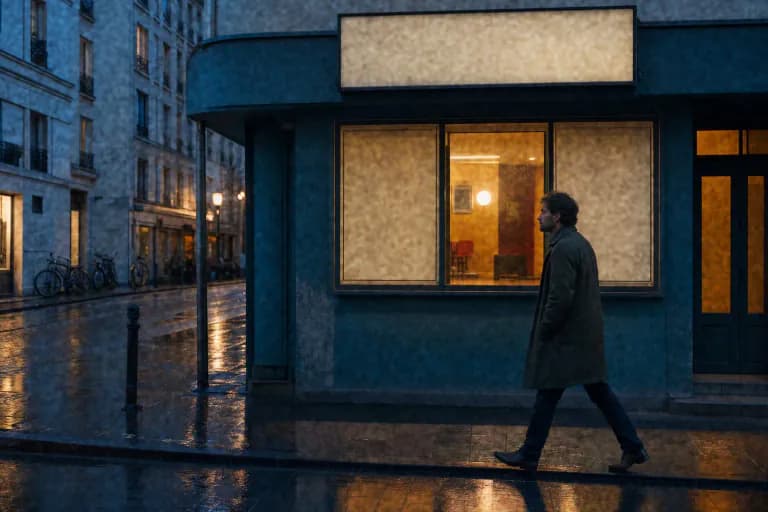
35mm Film Grain Overlay
Download a free 35mm film grain overlay as a full-resolution PNG or animated video loop. Tuned for still photos and Super 35-style footage.
45% intensity · 3px grain · 1920×1080
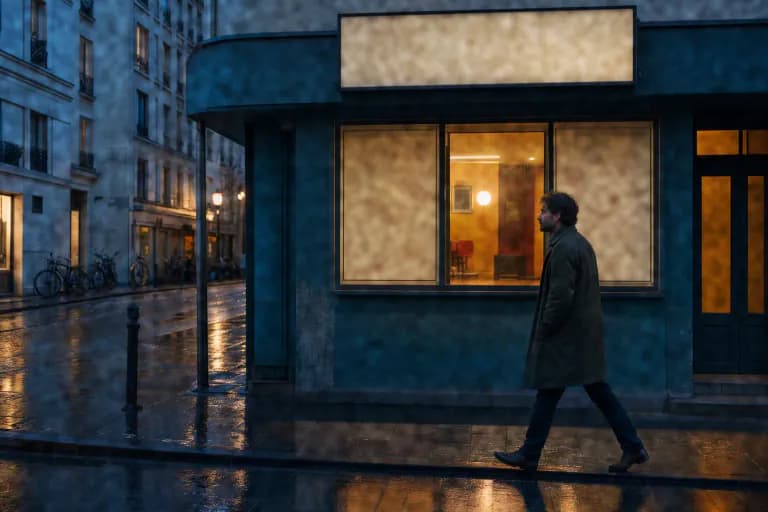
16mm Film Grain Overlay
Create a free 16mm film grain overlay with larger, rougher grain than 35mm. Download a PNG or a 24 fps video loop for Overlay blending.
58% intensity · 5px grain · 1920×1080
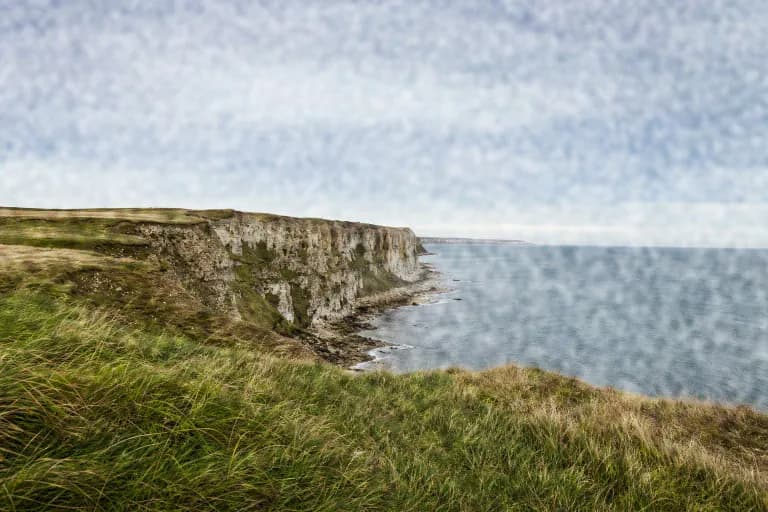
Super 8 and 8mm Film Grain Overlay
Free Super 8 and 8mm film grain overlay with coarse, home-movie-scale grain. Download a PNG or animated loop and blend it in Overlay mode.
70% intensity · 6px grain · 1920×1080

4K Film Grain Overlay
Generate a free 4K film grain overlay at 3840×2160. Full-resolution PNG export, seamless tiling, and grain sized correctly for UHD delivery.
45% intensity · 4px grain · 3840×2160
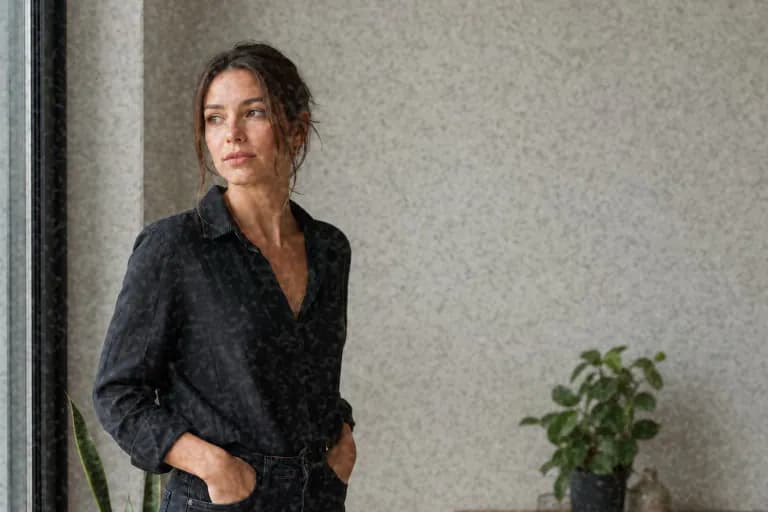
Transparent Film Grain PNG
Download a transparent film grain PNG that works with Normal blending in Canva, PowerPoint, Google Slides, and other apps without blend modes.
50% intensity · 3px grain · 2048×2048

Subtle Film Grain Overlay
A light, subtle film grain overlay for skin, skies, and product shots. Free PNG or video loop that adds texture and reduces banding without looking noisy.
22% intensity · 2px grain · 1920×1080
PNG overlay or video loop?
Use the PNG for photos, print, slides, and web graphics. A still grain layer on a still image is exactly what film grain looks like in a print.
Use the video loop for footage. Real film grain changes on every frame, so a frozen PNG on top of moving video looks like dirt on the lens. The loop cycles through independently generated grain frames at 24 fps.
Need full manual control instead of a preset? The film grain texture generator exposes every setting, and the app guides show how to blend overlays in Photoshop, Premiere Pro, DaVinci Resolve, and more.
Grain overlay FAQ
What is a film grain overlay?
A film grain overlay is a separate image or video layer containing only grain texture. You place it above a photo or footage and blend it, usually with Overlay or Soft Light, so the grain affects the picture without changing its colors directly.
How do I apply a grain overlay?
Place the overlay above your image or clip, set the layer's blend mode to Overlay or Soft Light, and lower opacity until the texture looks right. In apps without blend modes, use the transparent PNG version with Normal blending.
Are these grain overlays free for commercial use?
Yes. Each overlay is generated in your browser from your own settings, so there is no stock license, attribution requirement, or watermark.
Do you have animated grain overlays for video?
Yes. Every preset can be exported as a 5-second, 24 fps MP4 grain loop at up to 1920×1080 (browsers without MP4 encoding get WebM). Loop or extend it in your editor and blend with Overlay.