
Free PNG and video loop
Super 8 and 8mm Film Grain Overlay
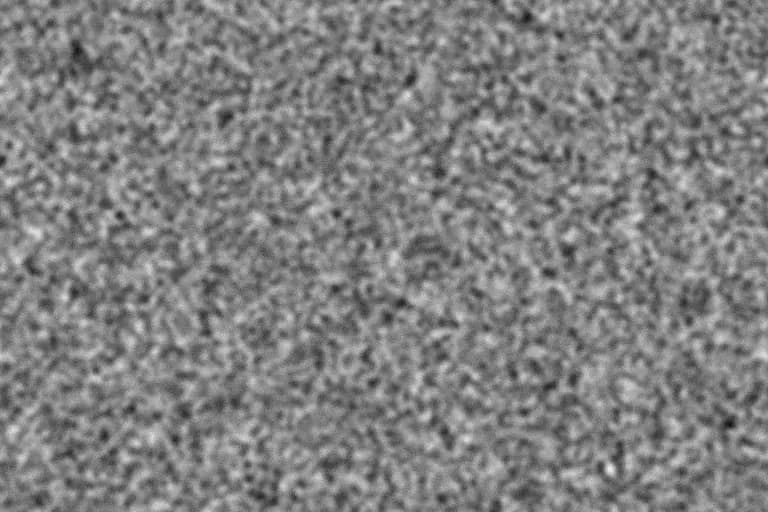
Super 8 is the smallest common film gauge, so its grain is big, rough, and impossible to miss. This preset produces that coarse home-movie texture for nostalgic edits, music videos, and lo-fi photography.
Generate this overlayFilm grain texture controls
Preview is scaled; export is full resolution
Neutral 50% gray · use Overlay or Soft Light blend mode
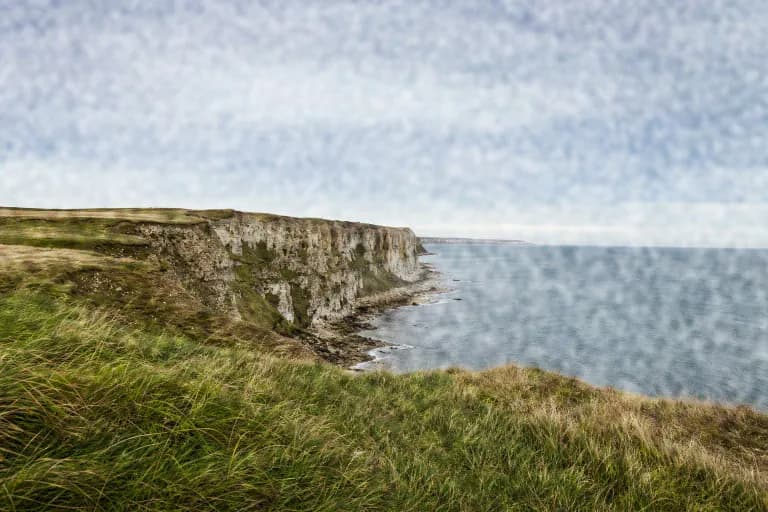
Super 8 and 8mm Film Grain Overlay example
Why Super 8 grain is so coarse
A Super 8 frame is only about 5.8 × 4.0 mm, roughly a sixth of the width of a 35mm still frame. Projected or scanned to fill a modern screen, it is enlarged so much that the emulsion's grain becomes a dominant part of the image.
Regular 8mm has an even smaller picture area than Super 8, so it can look coarser still. Both formats are also usually softer than larger gauges, which is why the most convincing Super 8 overlays combine big grain with a gentle, slightly smeared image underneath.
Best for
- Nostalgic travel edits, wedding highlight films, and home-movie inserts
- Music videos and social clips that want a deliberately lo-fi feel
- Posters and album art where the grain is a graphic element
Recommended settings
| Setting | Value | Why |
|---|---|---|
| Intensity | 65–80% | Super 8 grain is part of the look; subtle settings lose the format's character. |
| Grain size | 6–8px at 1080p | Large clusters mimic the heavy enlargement of a tiny frame. |
| Roughness | 40–55% | Breaks up the large clusters so they look organic instead of blocky. |
| Softness | 0–15% | Low softness avoids flat, square-looking clusters at large grain sizes. |
Building a Super 8 look
- 1
Soften the footage slightly and lower its resolution feel before adding grain; clean 4K detail under Super 8 grain looks fake.
- 2
Add the animated grain loop on top with Overlay blending at 70–100% opacity.
- 3
Finish with warm, slightly faded color and a vignette. For photos, the imagegrain editor's fade, warmth, and vignette controls cover that step.
Limits: This overlay supplies grain only. The gate weave, frame-edge flashes, scratches, and dust that often accompany Super 8 are not generated here.
Want the grain baked straight into a photo instead of a separate layer? Open the free photo grain editor.
Super 8 and 8mm Film Grain Overlay FAQ
Is there a difference between an 8mm and a Super 8 grain overlay?
Both are coarse. Regular 8mm has a smaller image area, so it can be pushed a little further: raise grain size to 8px and intensity toward 80%.
What frame rate should a Super 8 grain loop use?
Super 8 was commonly shot at 18 or 24 fps. The download is a 24 fps loop, which conforms cleanly to most modern timelines.
Why does my Super 8 edit still look digital?
Usually because the underlying footage is too sharp. Grain cannot hide crisp edges and perfect stabilization, so soften the image and allow a little motion first.