
Free browser tool
Film Grain Texture Generator
Create a custom, seamless film grain overlay without uploading a photo. Tune the texture, preview it on a real image, and export a full-resolution neutral-gray PNG.
Generate a grain overlayFilm grain texture controls
Preview is scaled; export is full resolution
Neutral 50% gray · use Overlay or Soft Light blend mode
Fine, Medium, and Coarse Grain Texture Examples
These crawlable samples use reproducible seeds and the same neutral-gray texture model as the generator. Use them to choose a starting scale before creating a full-resolution PNG.
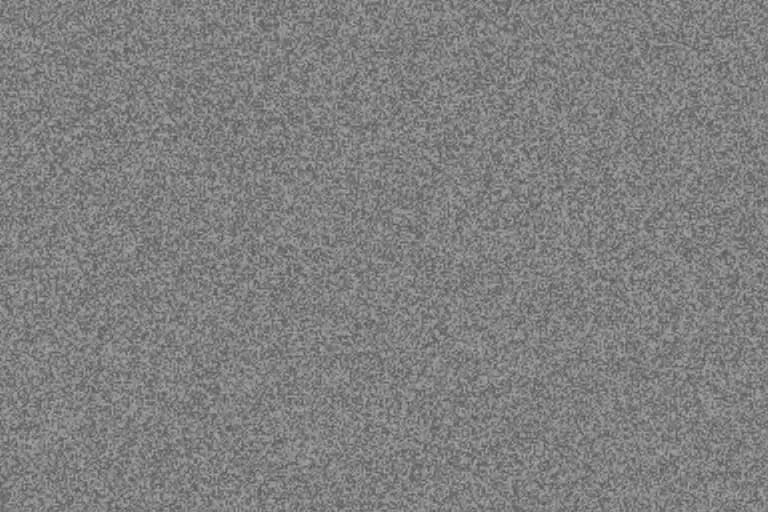
Fine grain texture
35% intensity · 2px size · 5% roughness · seed 104729
Portraits, product images, and smooth skies
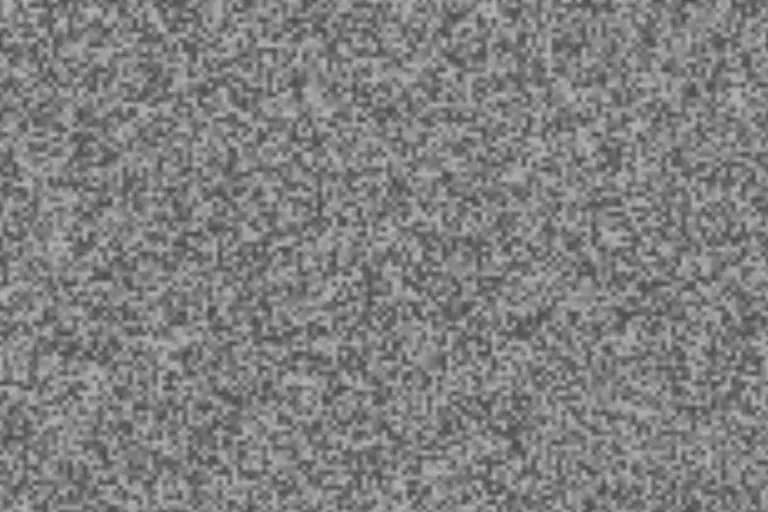
Medium grain texture
55% intensity · 5px size · 20% roughness · seed 224737
Street photography, monochrome images, and editorial work
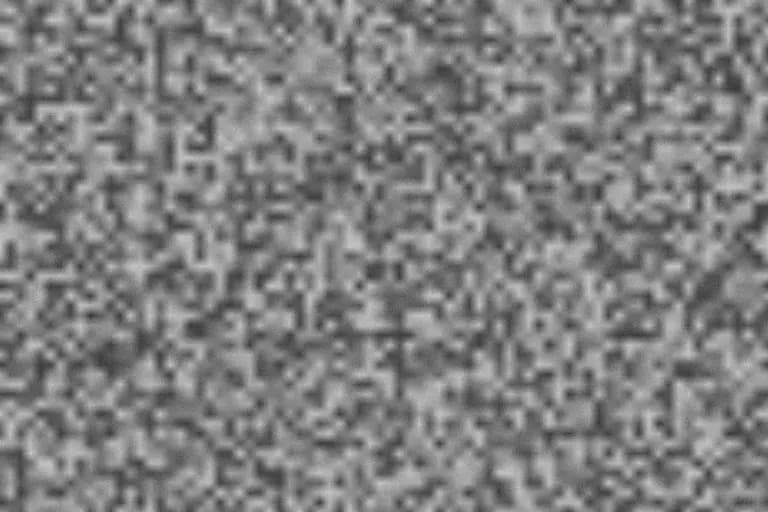
Coarse grain texture
70% intensity · 10px size · 35% roughness · seed 799171
Posters, lo-fi artwork, and deliberately bold texture
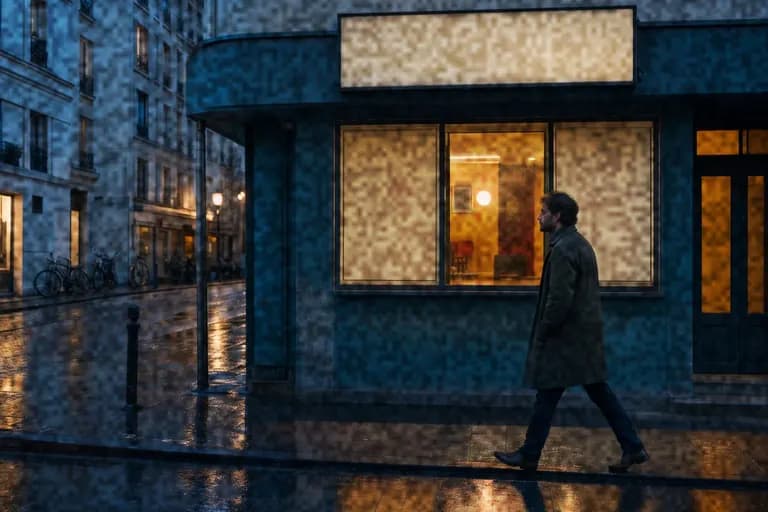
Made for blending
The texture is centered on 50% gray for predictable Overlay and Soft Light blending.
Seamless by design
Wrapped noise generation makes repeating tiles useful for large canvases, web backgrounds, and motion work.
Private and reproducible
Everything runs locally. Keep the same seed and settings to recreate the exact texture later.
How to use the PNG overlay
- 1
Generate
Choose the output dimensions and tune the grain until the preview matches your project.
- 2
Place
Import the PNG above your photo, design, or footage in your editor of choice.
- 3
Blend
Set the layer to Overlay or Soft Light and adjust opacity for the final strength.
Want the grain baked directly into a photo instead? Open the photo editor.
Film grain overlay FAQ
What blend mode should I use for a film grain overlay?
Use Overlay for stronger contrast or Soft Light for a gentler result. The PNG is centered on neutral 50% gray, which those blend modes treat as neutral while the lighter and darker texture remains visible.
Is the generated grain texture seamless?
Yes, when Seamless tile is enabled. The noise field wraps across both axes, allowing the PNG to repeat as a background or texture without a hard boundary.
Does imagegrain upload the generated texture?
No. Preview and export are generated locally with the Canvas API in your browser. No image or texture is uploaded to imagegrain.
Can I use the texture in Photoshop, Affinity Photo, Canva, or video software?
Yes. Import the PNG above your image or footage, choose Overlay or Soft Light blending, then adjust the layer opacity to taste.