

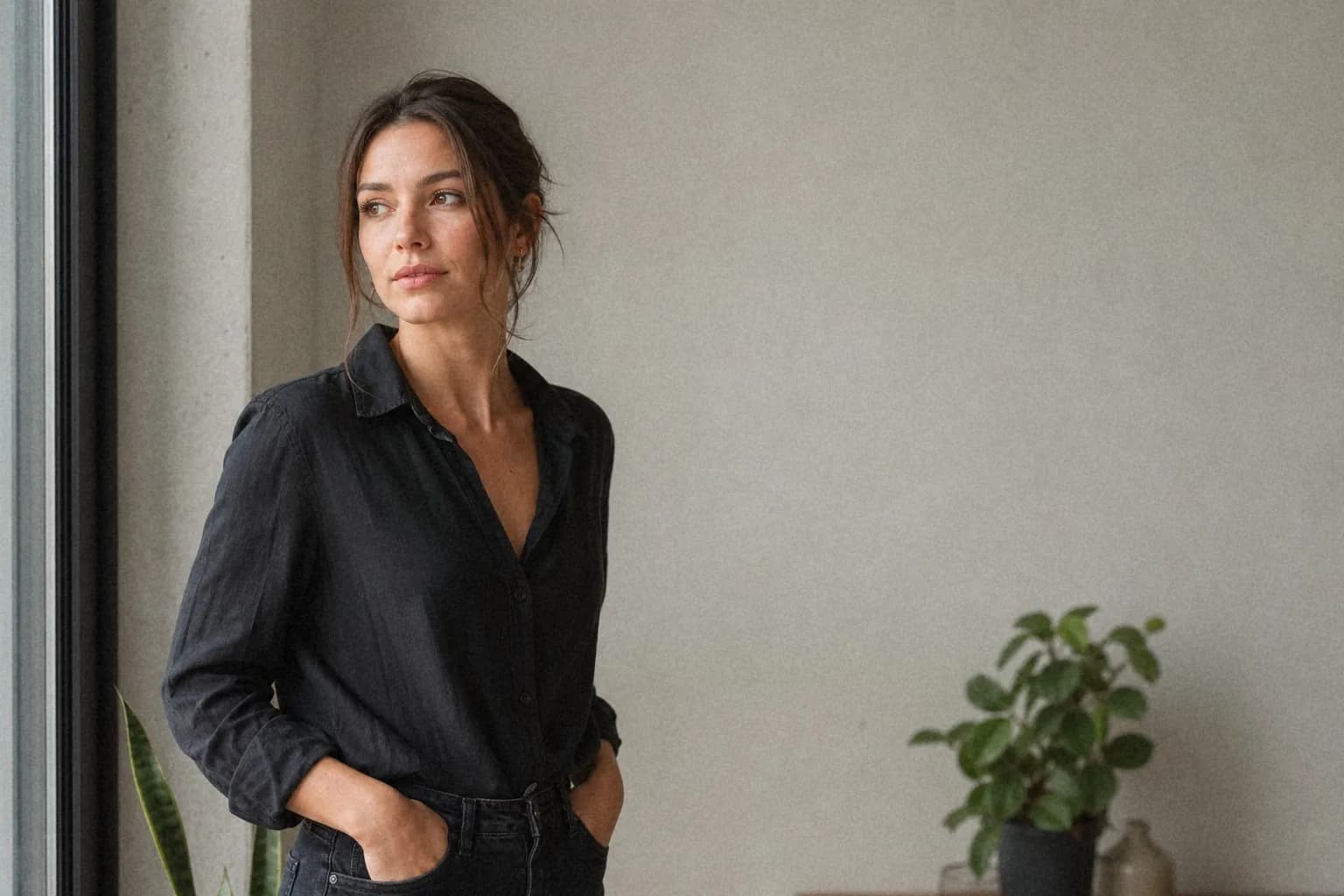
Subtle Portrait
Fine, soft grain with restrained highlights for natural skin texture.
fine · 25% intensity · 2px size · 5% roughness · seed 104729
Use a free film grain filter with private browser processing, reproducible presets, batch editing, and small JPEG, WebP, or PNG exports.
Real, reproducible result
The processed image uses the same deterministic renderer and exact settings as the editor.
View the tested recipe →Drop images here, click to upload, or paste from your clipboard
Supports JPG, PNG, WebP — select multiple files for batch editing
Drag and drop, click to upload, or paste any JPG, PNG, or WebP image straight from your clipboard.
Use the intensity slider and choose between fine, medium, or coarse grain textures - or start from a preset.
Pick JPEG, WebP, or PNG, adjust quality, and export. File size is shown before you download - no surprises.
Most grain tools export huge files because random noise is hard to compress. imagegrain's grain is spatially correlated - like real film - so it compresses efficiently.
Smooth, interpolated noise instead of harsh per-pixel randomness gives JPEG and WebP patterns they can actually compress.
JPEG for the smallest files, WebP for a modern alternative, PNG for lossless - with a quality slider for JPEG and WebP.
Oversized photos (over 4096px) are scaled down automatically, and the estimated file size is shown before you download.
Measured with the built-in sample photo (1600×1000) at 40% fine grain. Your results will vary with image size and settings.
These original source photographs have no baked-in grain. Every processed result was generated with the same deterministic algorithm and settings used by the live editor.
Fine, soft grain with restrained highlights for natural skin texture.
fine · 25% intensity · 2px size · 5% roughness · seed 104729
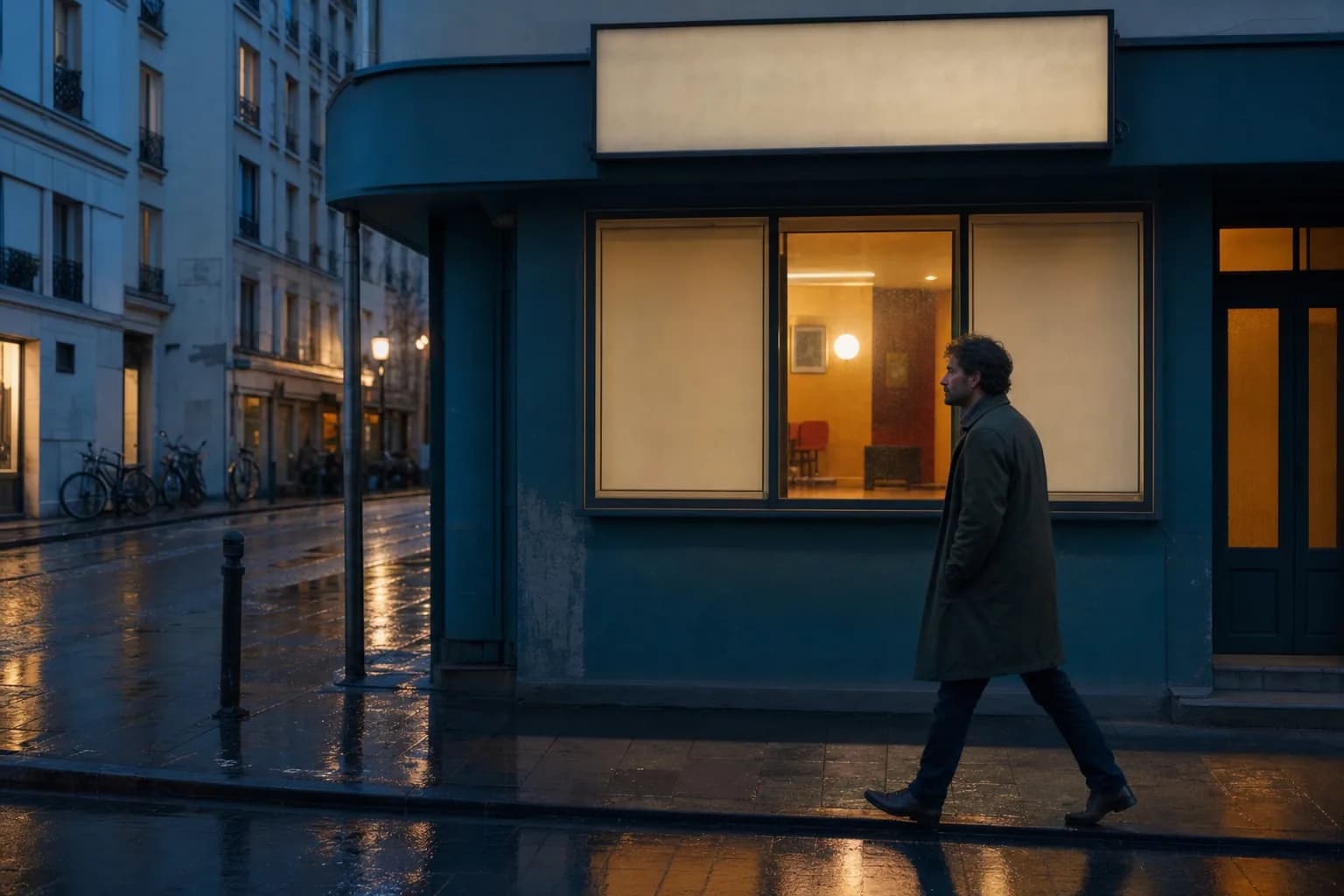
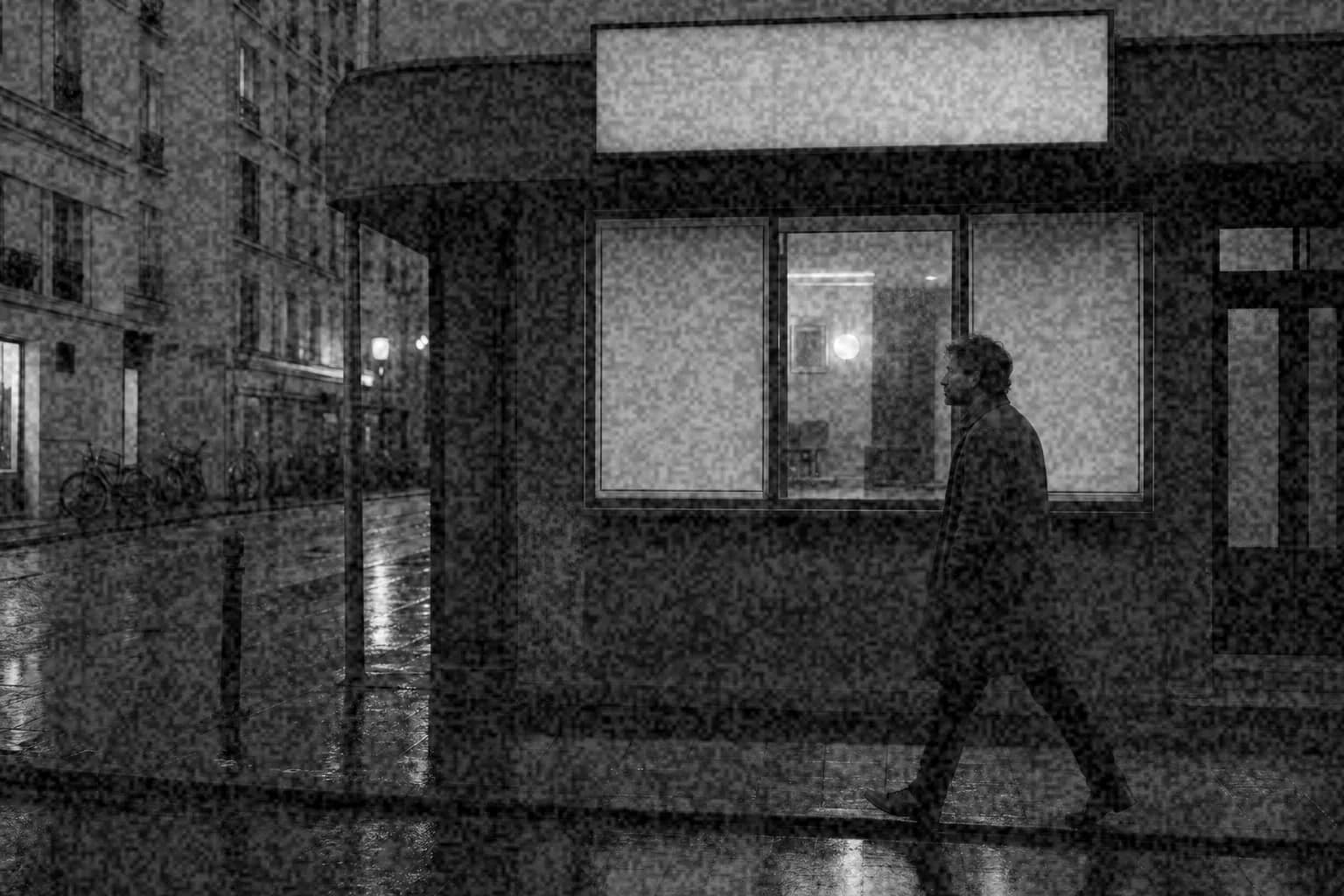
A rougher monochrome texture with stronger midtones and controlled highlights.
medium · 55% intensity · 5px size · 20% roughness · seed 224737
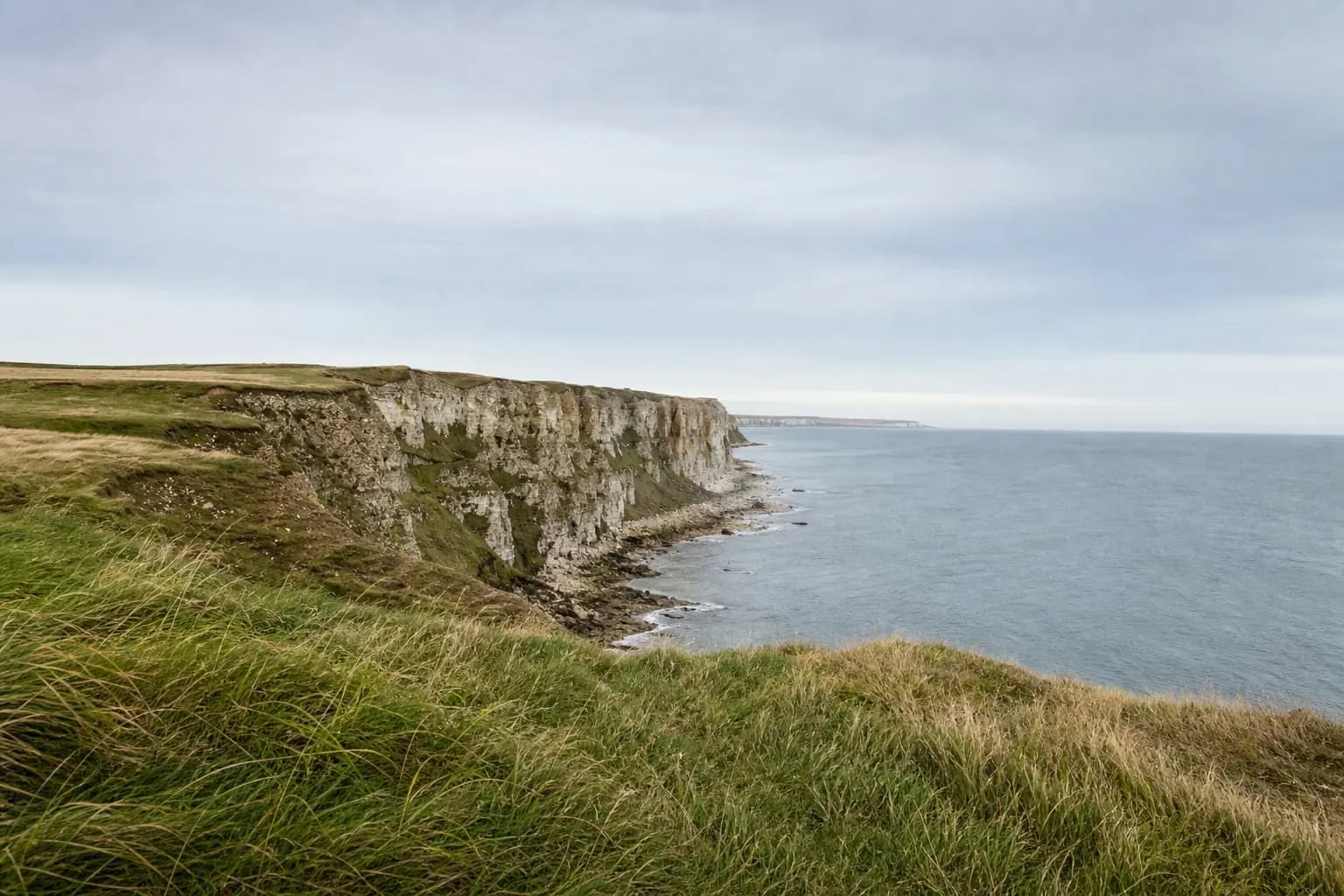
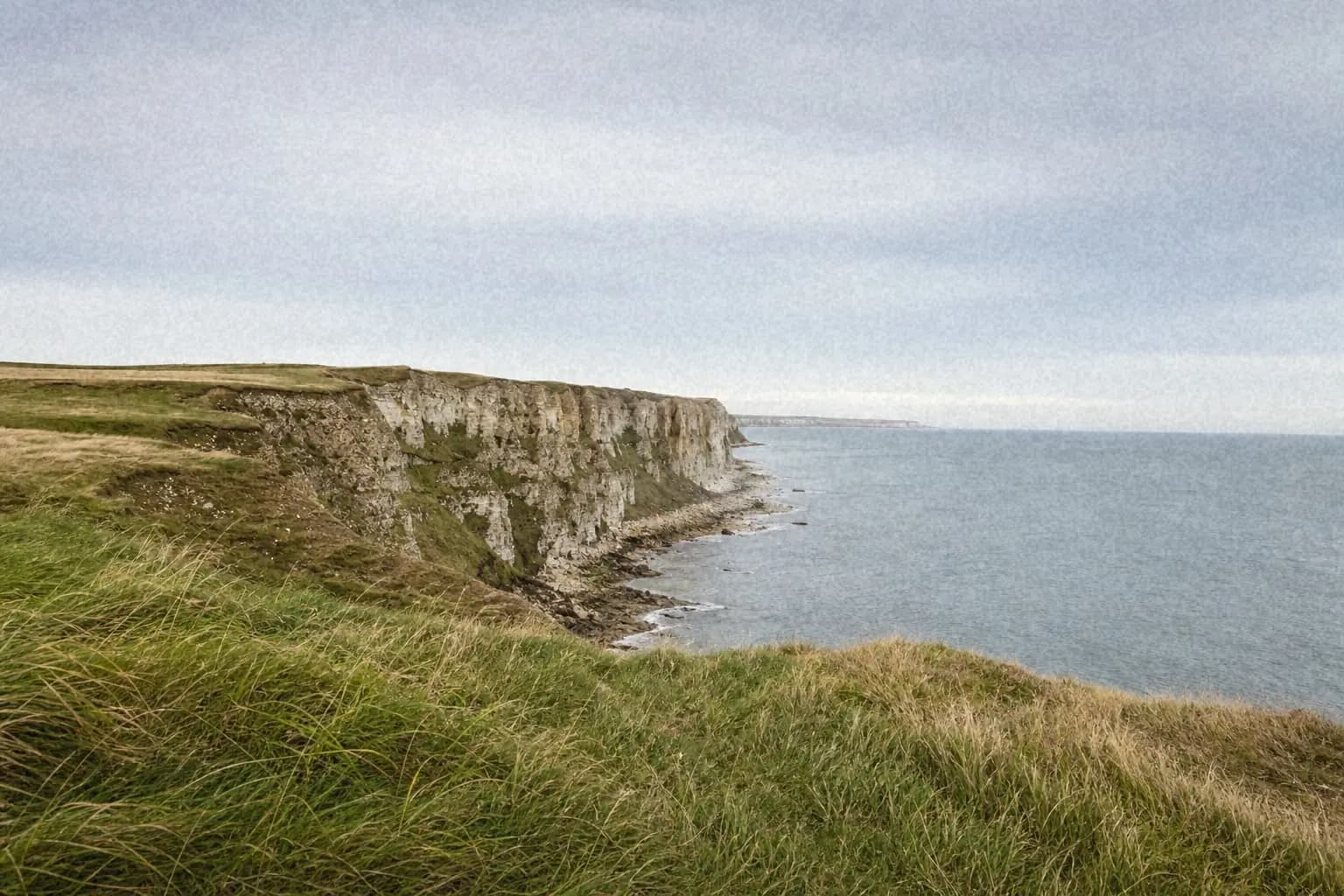
Soft color grain across detailed grass and a smooth overcast sky.
fine · 38% intensity · 3px size · 8% roughness · seed 350377
Compare original photos with reproducible grain recipes, exact settings, resolution advice, and export guidance.
Generate a seamless, full-resolution PNG grain overlay for photo, video, design, or web projects.
35mm, 16mm, Super 8, 4K, subtle, and transparent grain presets as PNGs or animated video loops.
Grain recipes inspired by Portra 400, Tri-X, HP5 Plus, CineStill 800T, Ektar, Gold, and Superia.
Step-by-step grain guides for Photoshop, Lightroom, Premiere Pro, After Effects, DaVinci Resolve, and more.
A step-by-step guide to adding film grain to any image - plus when and why to use each grain style.
What film grain actually is, how it forms on analog film, and how to recreate it digitally.
Give modern photos a retro, analog feel with grain, faded blacks, and warm tones.
Film grain and digital noise are not the same thing. Learn the difference and why it matters.
Grain settings for portraits, making digital photos look like film, tool comparisons, and more.
Upload your image to imagegrain (or paste it from your clipboard), adjust the intensity slider and choose a grain type (fine, medium, or coarse), pick your export format (JPEG, WebP, or PNG), then download. The entire process takes seconds and runs in your browser.
Yes, imagegrain is completely free with no sign-up required, no watermarks, and no fixed server-upload quota because processing stays on your device. Browser memory still creates practical limits, and images above a 4096-pixel edge are downscaled for reliable editing.
No. All image processing happens locally in your browser using the Canvas API. Your photos never leave your device, and exported images contain no EXIF metadata - no location, camera, or timestamp data is embedded in the file you download.
The three types differ in the spacing of the correlated digital texture. Fine grain produces a tight, subtle speckle. Medium uses roughly twice the spacing, while coarse uses roughly four times the fine spacing for a dramatic, stylized result. These are creative controls, not measurements of named film stocks.
You can upload JPG, PNG, and WebP images. For export, choose JPEG for the smallest files, WebP for a modern balance of quality and size, or PNG for lossless output. You can also export just the grain as a transparent PNG overlay to reuse in other editors. Grain makes PNG files very large, so JPEG or WebP with the quality slider is the best way to keep sizes down - imagegrain's compression-friendly grain keeps them far smaller than tools that use pure random noise.
Yes. imagegrain is a free browser-based alternative - no software to install, no subscription, and no account needed. Just upload your image, adjust the grain filter settings, and download the result.