
Vintage Photo Filter Online
Many contemporary vintage-style grades combine grain, lifted blacks, color shifts, and darkened edges. imagegrain gives you a slider for Grain, Fade, Warmth, and Vignette, plus a Mono toggle and one-click creative presets, all free in your browser.
Published April 5, 2026 · Updated July 17, 2026 · Written and tested by Maximilian Braun
Free browser editor
Apply a Vintage Film Look to Your Photo
Upload a JPG, PNG, or WebP. The editor starts with the tested muted color-negative settings below, and your image stays on your device.
Drop images here, click to upload, or paste from your clipboard
Supports JPG, PNG, WebP — select multiple files for batch editing
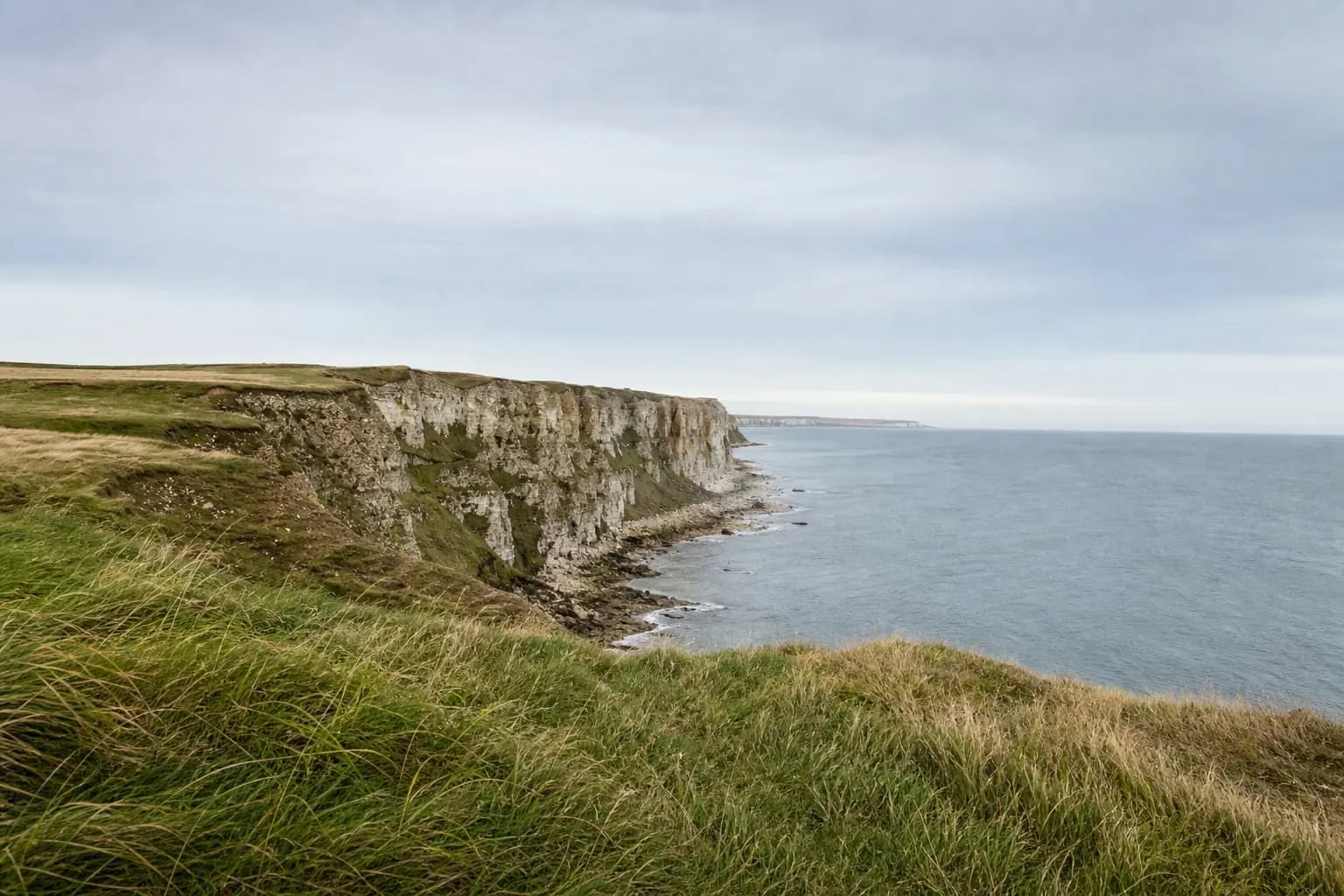
Original
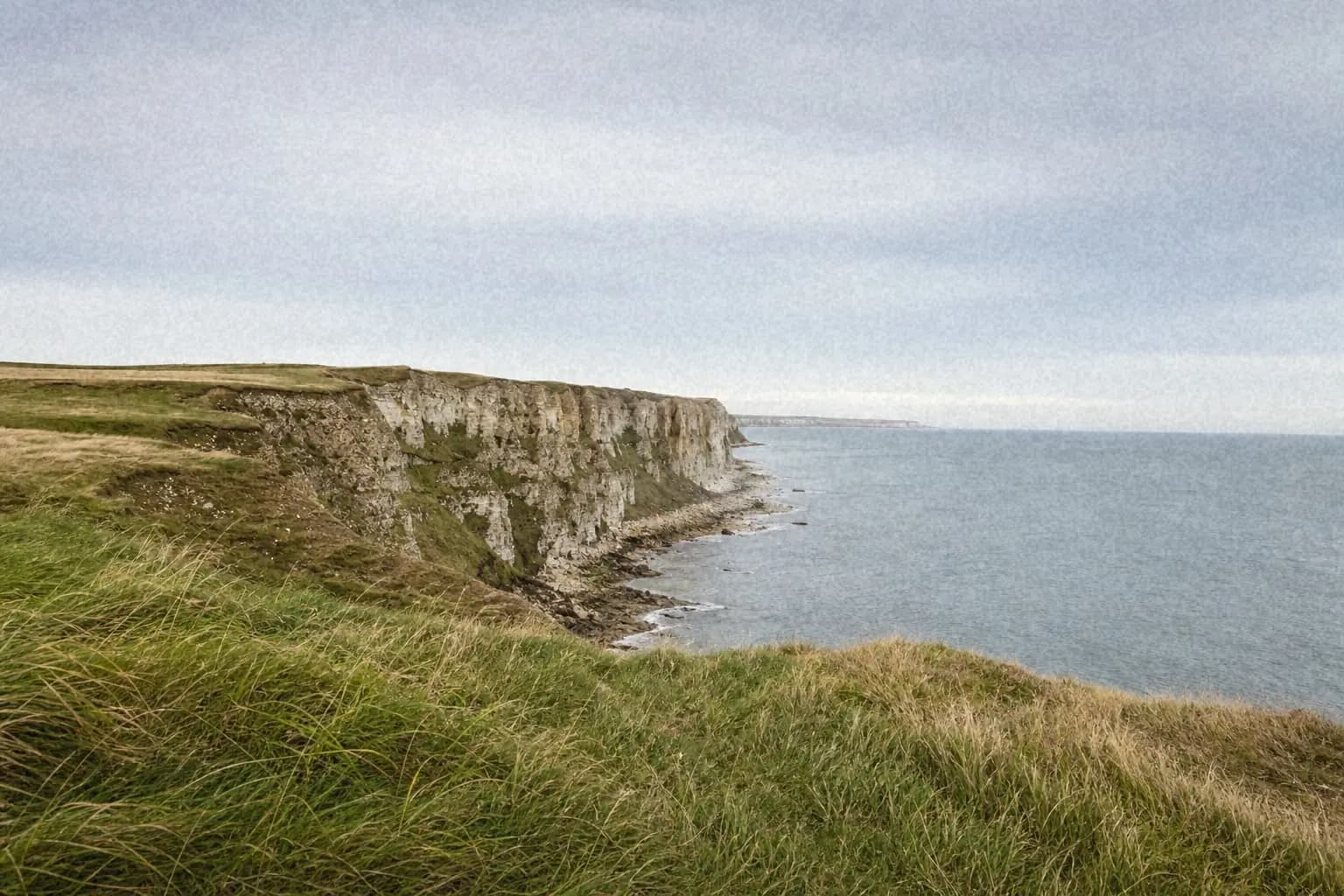
Processed with imagegrain
What Makes a Photo Look Vintage?
These controls recreate a few familiar visual cues; they do not simulate every part of an analog capture, development, print, or scanning workflow.
Film Grain
Visible texture is one recognizable part of many analog photographs and scans. Choose fine, medium, or coarse grain, then keep the intensity appropriate to the subject and final display size.
Fade
Many aged prints and scans have lifted shadows rather than pure black. The Fade slider raises the black point toward gray for a matte look; use it as a stylistic control, not a rule for every film image.
Warmth
Some old prints, scans, and creative film grades lean warm, while others do not. The Warmth slider adds a controlled yellow-orange cast when that direction suits the image.
Vignette
Some lens, camera, and printing workflows produce darker corners. The Vignette slider adds a controlled radial falloff; use it only when it supports the composition.
Build Your Own Vintage Look, Step by Step
Start with Grain
Try fine grain at 20-35 for a gentle texture, or medium grain at 40-60 for a deliberately grittier result. Judge the subject and final display size rather than treating the values as a film-format measurement.
Lift the Blacks with Fade
Try Fade at 20-40. Shadows become a softer dark gray instead of pure black, creating a matte creative grade. Values above 50 produce a heavily washed-out treatment.
Add Warmth
Try Warmth at 15-30 for a subtle cast, or 40+ for an intentionally strong yellow-orange grade. Skip it when a neutral or black-and-white result better serves the photo.
Darken the Edges with Vignette
Try Vignette at 20-40 for a soft edge falloff that frames the subject. Values above 60 create an obvious toy-camera-inspired effect rather than a neutral correction.
Go Mono for a Classic B&W Look
Toggle Mono to convert the photo to black and white. Medium or coarse grain at 40-60 plus a small amount of Fade creates a pronounced documentary-inspired treatment.
Or Start from a Film Preset
Not sure where to begin? The editor includes four vintage film presets. Click one, then fine-tune any slider until it feels right.
Subtle 35mm
A light creative treatment with fine grain and restrained fade and warmth for portraits, weddings, and travel photos.
Open these settings →Color Negative
Warm tones and lifted blacks for a 1990s snapshot-inspired grade. It is a stylistic preset, not a measured color-negative profile.
Open these settings →Pushed B&W
Mono conversion with pronounced grain for a pushed-black-and-white-inspired street or editorial look.
Open these settings →Expired Film
Heavy fade, strong warmth, visible grain, and a dark vignette for a bold expired-film-inspired effect. The result is intentionally stylized and not a physical simulation.
Open these settings →Vintage Filter Without the Bloated File Size
Most vintage photo apps add random noise that makes file sizes explode. imagegrain uses compression-friendly grain that mimics real film - so your vintage-styled photos stay small enough to post, email, or print without quality loss.
How these settings were chosen
The ranges are practical starting points tested against the built-in sample, not measurements of named film stocks. Image content and taste matter, so each preset link remains editable.
Read the testing methodology