
Free PNG and video loop
16mm Film Grain Overlay
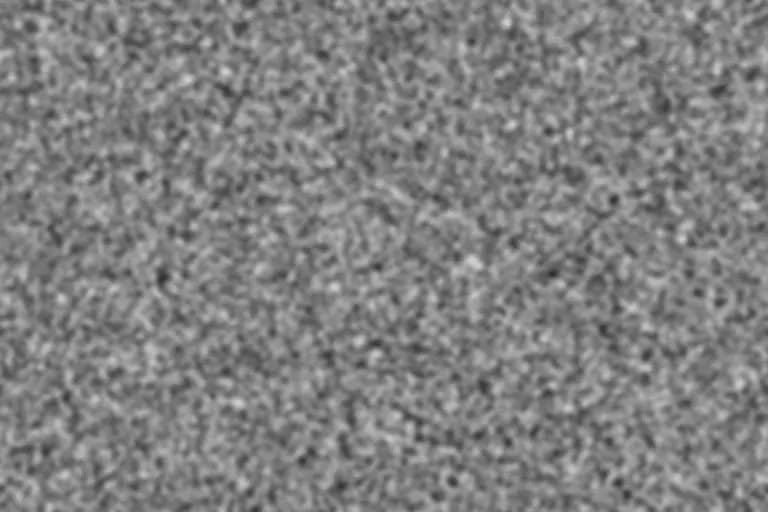
16mm grain is the texture people associate with documentaries, music videos, and indie features: clearly visible, a little rough, and alive in motion. This preset pushes the grain size and roughness past the 35mm preset while keeping it photographic.
Generate this overlayFilm grain texture controls
Preview is scaled; export is full resolution
Neutral 50% gray · use Overlay or Soft Light blend mode
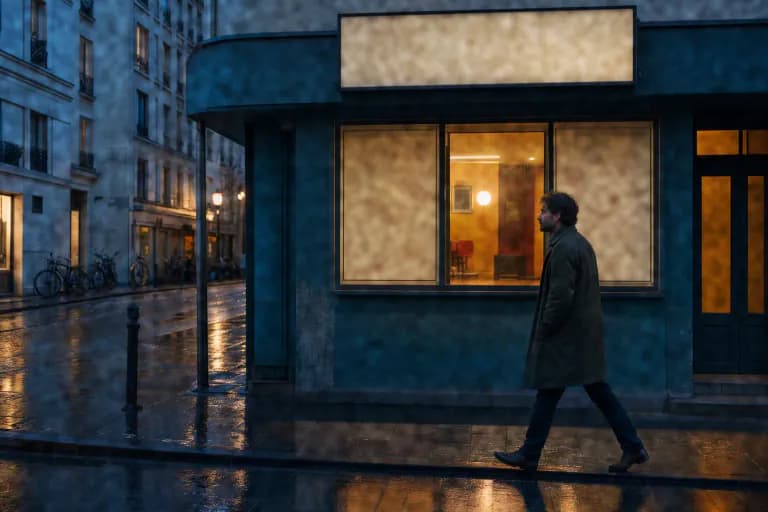
16mm Film Grain Overlay example
Why 16mm looks grainier than 35mm
A Super 16 frame is roughly half the width of a Super 35 frame. To fill the same screen it has to be enlarged about twice as much, so the same emulsion produces grain that looks roughly twice as large relative to the picture.
That extra enlargement is most of the 16mm look. The overlay therefore uses larger clusters and more roughness than the 35mm preset, rather than simply more intensity: turning intensity up on fine grain gives you a noisy picture, not a 16mm one.
Best for
- Documentary, music-video, and fashion edits that should feel handheld and tactile
- Flashbacks or archival-style inserts in a digital timeline
- Bold editorial photos where the grain is meant to be part of the style
Recommended settings
| Setting | Value | Why |
|---|---|---|
| Intensity | 50–65% | 16mm grain is expected to be noticed; below about 45% it starts to read as 35mm. |
| Grain size | 5px at 1080p | Around twice the 35mm preset, matching the larger enlargement of the smaller frame. |
| Roughness | 20–30% | Adds the irregular edge detail that keeps large clusters from looking smooth and digital. |
| Softness | 25–35% | Slightly crisper clusters than 35mm, so the texture stays defined in motion. |
Using the 16mm overlay
- 1
Export the animated loop at your timeline's resolution and frame rate class (24 fps for most narrative work).
- 2
Place it above the graded footage, set the blend mode to Overlay, and start around 60–80% opacity.
- 3
If the result looks noisy rather than filmic, reduce intensity before reducing grain size: 16mm character comes from cluster size.
Limits: The overlay recreates grain only. Gate weave, halation, dust, and the softer optics often associated with 16mm need separate tools or plates.
Want the grain baked straight into a photo instead of a separate layer? Open the free photo grain editor.
16mm Film Grain Overlay FAQ
What is the difference between 16mm and Super 16 grain?
Super 16 uses a wider frame area than standard 16mm, so it is enlarged slightly less for widescreen delivery and looks a little finer. Both are much grainier than Super 35 at the same screen size.
Can I use the 16mm overlay on photos?
Yes. Download the PNG instead of the video loop and blend it in Overlay or Soft Light. It suits bold black-and-white and editorial work best.
Why does my 16mm overlay flicker too much?
Grain should change every frame, but if the texture is very strong the flicker becomes distracting. Lower the layer opacity or intensity rather than slowing the clip down.