
Free PNG and video loop
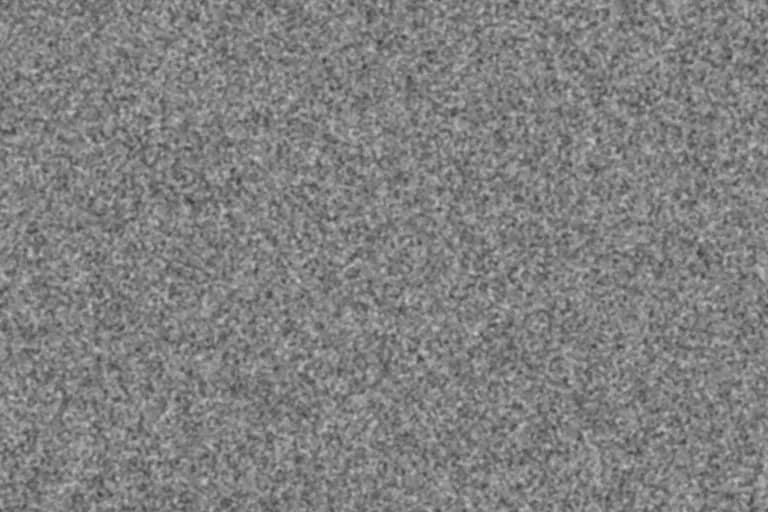
35mm Film Grain Overlay
A medium-fine, clustered grain tuned to sit where most 35mm stills and Super 35 footage sit: visible at full size, quiet at social-media size. Export it as a PNG for photos and designs or as a looping clip for video.
Generate this overlayFilm grain texture controls
Preview is scaled; export is full resolution
Neutral 50% gray · use Overlay or Soft Light blend mode
35mm Film Grain Overlay example
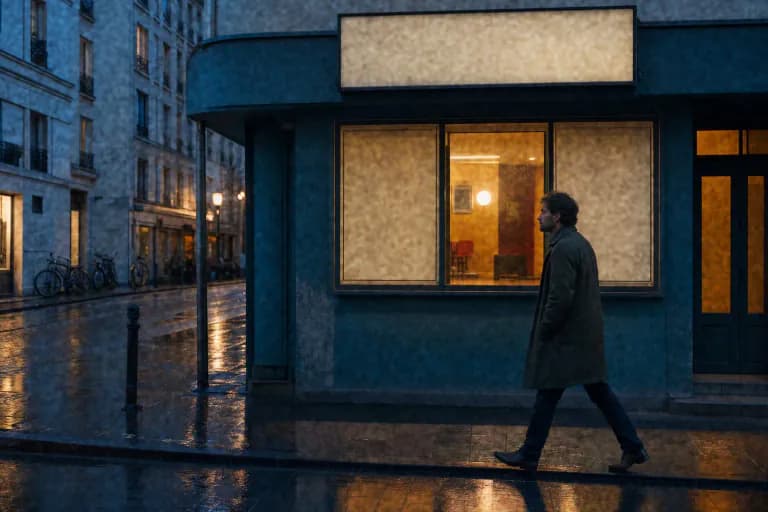
How grain behaves on 35mm
A 35mm still frame measures 36 × 24 mm, and the Super 35 motion-picture frame is a little smaller. Grain is a property of the emulsion, but how much of it you see depends on how far that small frame is enlarged. A 35mm negative scanned for a phone screen hides most of its grain; the same negative printed large shows it clearly.
That is why a 35mm overlay should be fairly fine and low in contrast. Coarse, high-contrast noise reads as a smaller film gauge or as an underexposed, heavily pushed negative, not as everyday 35mm.
Best for
- Portraits and lifestyle photos that should feel analog without looking damaged
- Super 35-style digital footage that looks too clean next to film-originated shots
- Web and print graphics that need a subtle, photographic surface
Recommended settings
| Setting | Value | Why |
|---|---|---|
| Intensity | 40–50% | Keeps the texture visible on large screens without dominating faces or skies. |
| Grain size | 3px at 1080p | Roughly the scale where 35mm grain becomes noticeable in a Full HD frame. Double it for 4K delivery. |
| Roughness | 10–18% | A little pixel-level detail prevents the clustered pattern from looking blurred. |
| Softness | 30–40% | Rounds the clusters so they read as grain rather than square noise. |
Using the 35mm overlay
- 1
Photos: place the PNG on a layer above the photo, set it to Overlay (stronger) or Soft Light (gentler), and lower opacity to taste.
- 2
Video: put the looping clip on the track above your footage, set the clip's blend mode to Overlay, and loop or extend it across the timeline.
- 3
Matching footage: compare a still from the graded film-originated shot with your digital shot at 100% zoom, then adjust opacity rather than regenerating the texture.
Limits: This is a synthetic texture tuned to a typical 35mm look, not a scan of a particular film stock. Real grain changes with exposure, development, and scanning, and it is denser in some tones than others.
Want the grain baked straight into a photo instead of a separate layer? Open the free photo grain editor.
35mm Film Grain Overlay FAQ
What resolution should a 35mm grain overlay be?
Match the size of your final image or timeline. A 1920×1080 overlay suits Full HD video; export a 3840×2160 PNG for 4K and raise the grain size so the texture keeps the same apparent scale.
Is this overlay free for commercial work?
Yes. The texture is generated in your browser from your own settings, so there is no stock license attached and no watermark.
Should I use Overlay or Soft Light?
Overlay gives a punchier, more contrasty grain. Soft Light is gentler and is usually the better starting point for portraits.