
Free PNG and video loop
Transparent Film Grain PNG
Presentation and quick-design apps such as PowerPoint, Keynote, and Google Slides have no Overlay blend mode, so a gray grain texture just looks like a gray sheet. This preset exports grain on a transparent background: light specks are white, dark specks are black, and everything else is see-through.
Generate this overlayFilm grain texture controls
Preview is scaled; export is full resolution
Transparent PNG · place on top with Normal blending
Transparent Film Grain PNG example
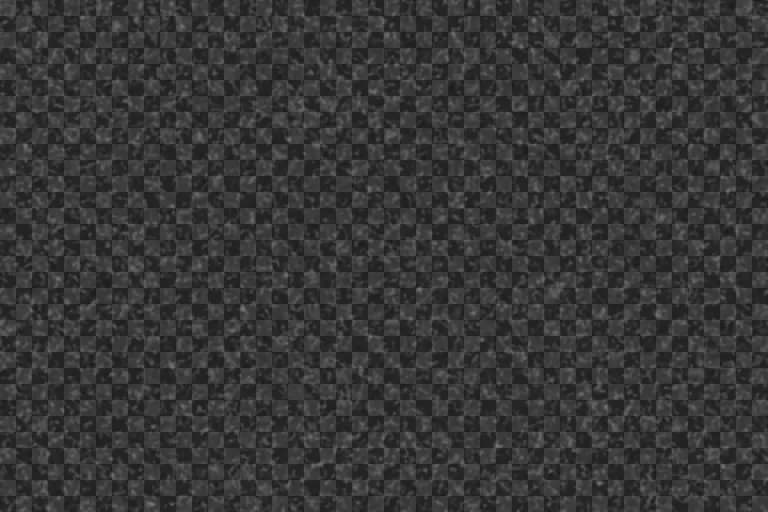

Transparent vs 50% gray grain overlays
A classic grain overlay is a gray image: pixels lighter than 50% gray brighten what is underneath and darker pixels darken it, but only when the layer uses a contrast blend mode such as Overlay or Soft Light. In Normal mode it simply covers the picture.
A transparent PNG encodes the same information differently. Brightening specks are stored as white with partial transparency and darkening specks as black with partial transparency, so the grain works with plain Normal stacking. The trade-off is slightly less control than a true Overlay blend, which also responds to the brightness of the image beneath it.
Best for
- Canva, PowerPoint, Keynote, and Google Slides designs
- Website and app UIs where grain is layered with CSS or an image stack
- Quick social graphics where you cannot change blend modes
Recommended settings
| Setting | Value | Why |
|---|---|---|
| Background | Transparent | Lets the grain stack with Normal blending in apps without blend modes. |
| Intensity | 40–55% | Transparent grain stacks additively; strong settings can look like dust. |
| Grain size | 2–4px | Small, even specks read as grain at typical design sizes. |
| Size | 2048×2048 | Square, tileable, and large enough for most slides and social posts. |
Adding a transparent grain PNG
- 1
Canva: upload the PNG, place it above your design, stretch it to cover the frame, and lower its transparency to about 40–70%. In Figma you can also use the gray version with the layer set to Overlay.
- 2
PowerPoint and Keynote: insert the PNG as a picture on top of the slide content and adjust picture transparency.
- 3
Web: stack the PNG with a background-image or an absolutely positioned layer and set opacity in CSS. A small seamless tile keeps file size down.
Limits: Normal blending cannot react to the brightness beneath it the way Overlay does, so grain is slightly more visible in midtones and deep shadows. Lower opacity if shadows look dusty.
Want the grain baked straight into a photo instead of a separate layer? Open the free photo grain editor.
Transparent Film Grain PNG FAQ
Why does my grain PNG look like a gray box?
You are using a 50% gray texture in an app without Overlay or Soft Light blending. Switch the generator's PNG background to Transparent and download again.
Does Canva support grain overlays?
A transparent PNG works in Canva without needing any blend mode. Upload it, place it on top of your design, and lower its transparency until the grain looks right.
Is the transparent PNG seamless?
Yes, as long as Seamless tile is enabled when you download it, so you can repeat it across large designs.