
Free PNG and video loop
4K Film Grain Overlay
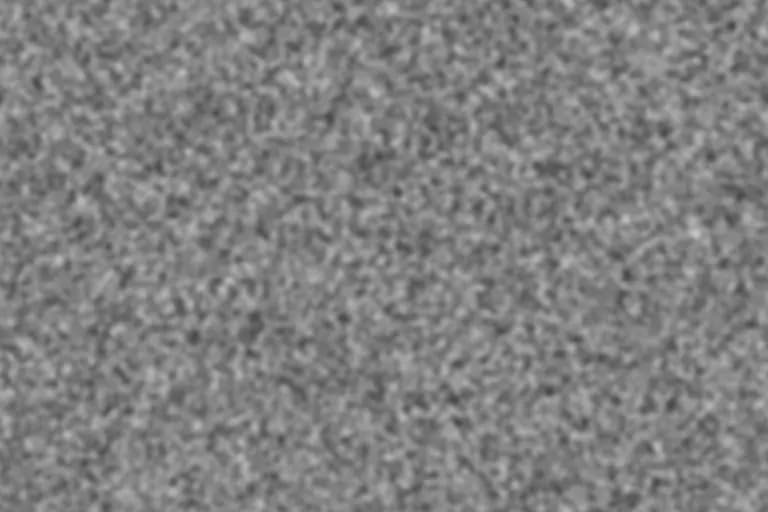
Grain that looks right at 1080p looks half as large on a 4K timeline. This preset starts at 3840×2160 with the grain size scaled up accordingly, so the texture keeps a filmic scale on UHD screens.
Generate this overlayFilm grain texture controls
Preview is scaled; export is full resolution
Neutral 50% gray · use Overlay or Soft Light blend mode
4K Film Grain Overlay example

Why 4K grain needs larger pixels
Grain size in an overlay is measured in pixels, but viewers perceive it relative to the screen. A 4K frame has twice as many pixels across as a 1080p frame, so a 2px cluster that reads as fine film grain in Full HD becomes almost invisible on a UHD timeline.
Doubling the grain size when you double the resolution keeps the same apparent texture. That is also why upscaling a 1080p overlay to 4K works acceptably, while placing an unscaled 1080p-sized texture on a 4K frame usually looks too fine.
Best for
- UHD video delivery where grain should survive on large displays
- High-resolution photos and prints above 8 megapixels
- Large web backgrounds and hero images that need a subtle surface
Recommended settings
| Setting | Value | Why |
|---|---|---|
| Resolution | 3840×2160 | Matches UHD timelines and avoids upscaling the PNG. |
| Grain size | 4px | Roughly a 2px Full HD grain, scaled for the doubled resolution. |
| Intensity | 40–50% | Large screens show more detail, so moderate strength is enough. |
| Softness | 35–45% | Smooth clusters look more natural at very high resolution. |
Using a 4K grain overlay
- 1
Photos and stills: download the 3840×2160 PNG and keep Seamless tile on if you need to cover a larger canvas.
- 2
Video: download the animated loop (exported at up to 1920×1080), place it above your 4K footage, and scale it to 200%. Because the loop's grain was sized for 1080p, scaling restores the intended 4K scale.
- 3
Delivery: very fine grain is often smoothed away by streaming compression, so check the final encode, not just the timeline.
Limits: In-browser video recording is capped at 1920×1080 to keep it smooth. The PNG export goes up to 4096 pixels on each side.
Want the grain baked straight into a photo instead of a separate layer? Open the free photo grain editor.
4K Film Grain Overlay FAQ
Why is the 4K video loop only 1080p?
Recording happens in real time in your browser, and 4K canvas recording is unreliable on ordinary laptops. Scaling the 1080p loop to 200% in your editor gives the same grain scale as a native 4K texture.
Will streaming platforms remove the grain?
They can soften it. Compression treats fine grain as detail to discard, so slightly larger, slightly stronger grain survives better than very fine texture.
Can I tile the 4K PNG?
Yes. With Seamless tile enabled, the texture wraps on both axes and can repeat without visible edges.