Reproducible grain recipe
Subtle Portrait Grain
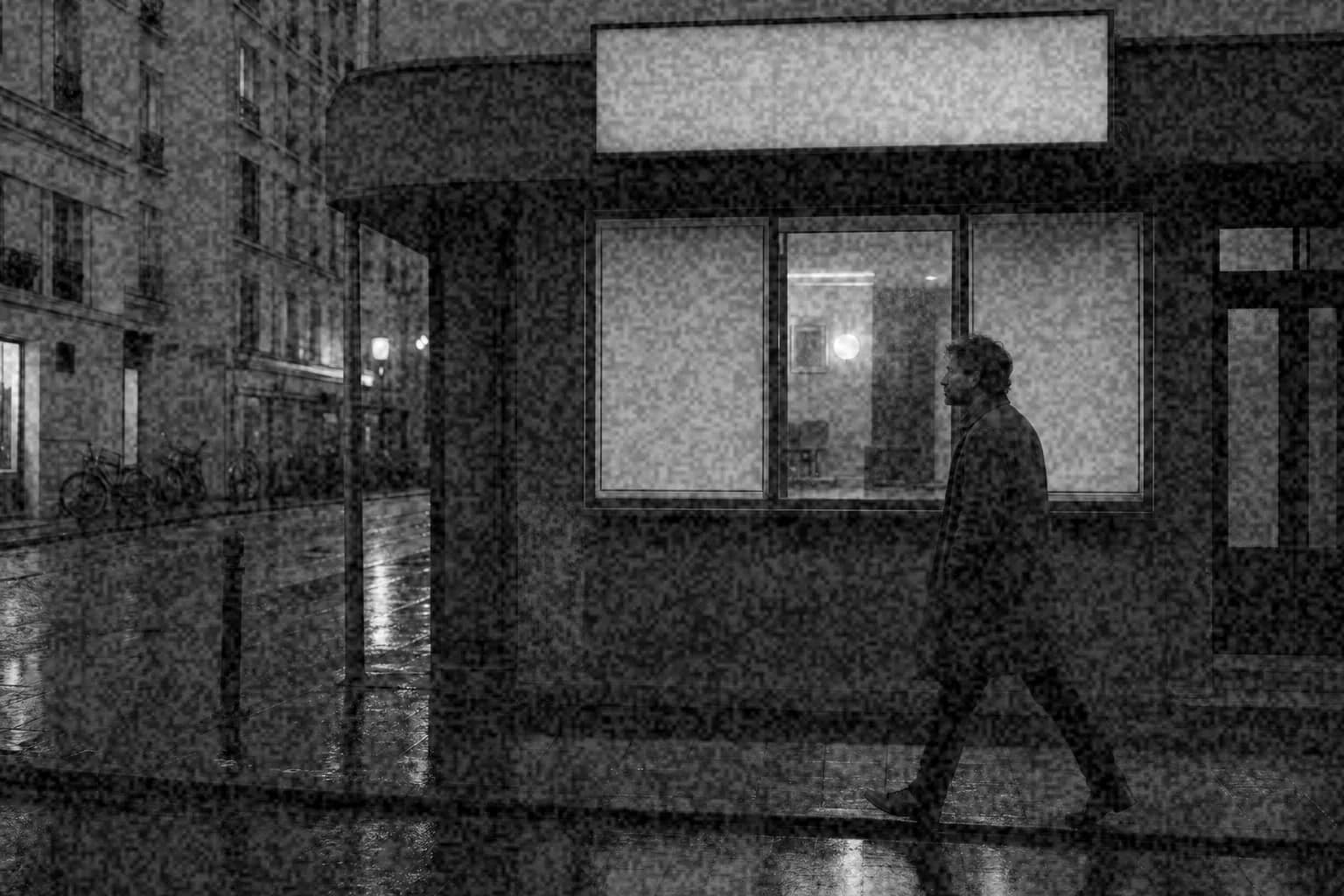
A restrained 2px grain recipe that softens digital sharpness while keeping skin and bright window light clean.
Published · Original source retained · Fixed seed

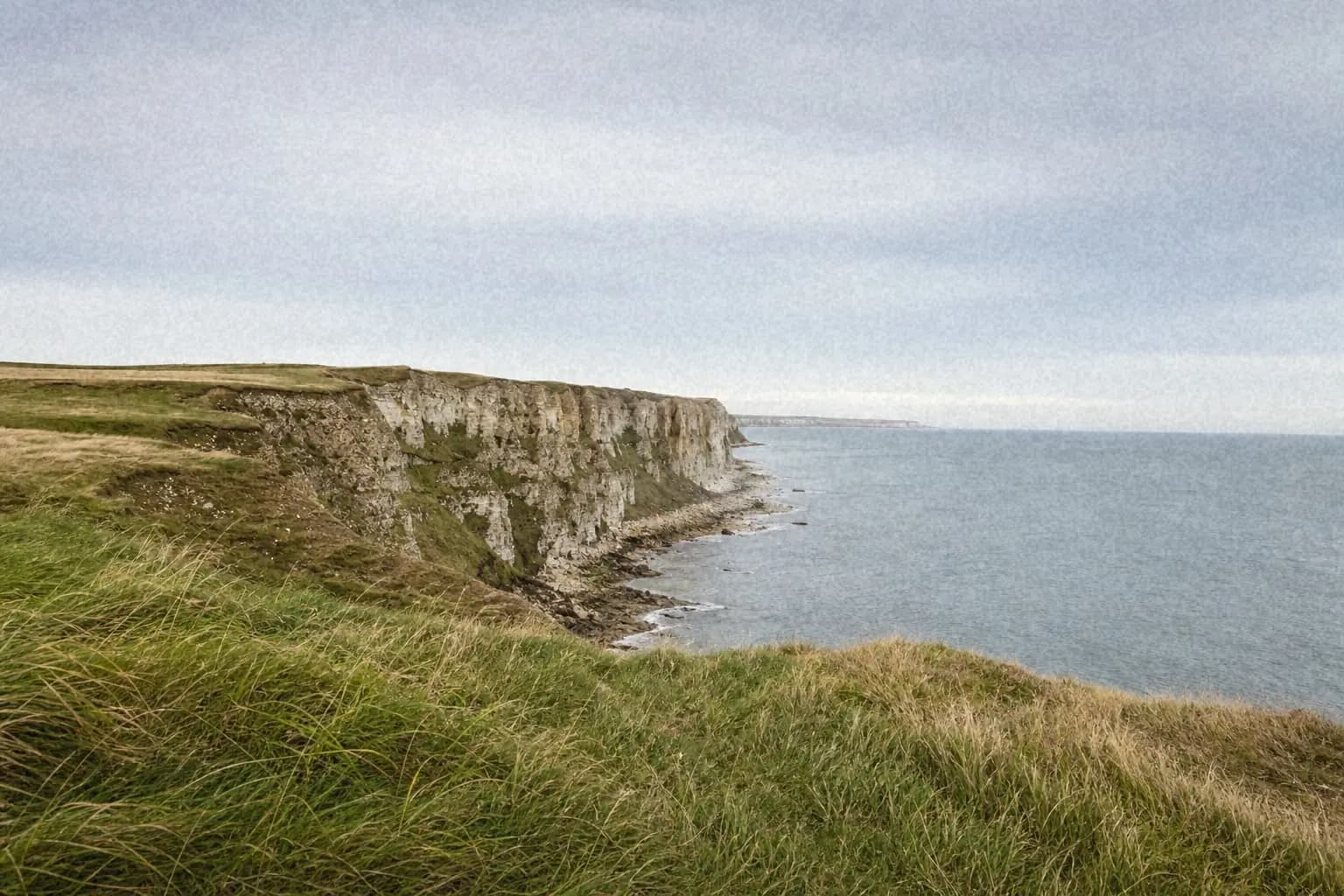
Original

Processed with imagegrain
Why These Settings Work
The 25% intensity and 35% softness keep the texture below the level where pores, freckles, and fine hair begin to look like sensor noise. Fine grain at 2px is visible at full size but settles into a gentle texture in a normal web-sized portrait.
The tonal response is deliberately uneven: midtones receive the full pattern, while highlights are reduced to 60%. That protects luminous skin and window light. A small amount of warmth, fade, and vignette takes the clinical edge off the digital source without turning the result into a heavy vintage filter.
Exact Settings
- Intensity
- 25%
- Type
- fine
- Size
- 2px
- Roughness
- 5%
- Softness
- 35%
- Color grain
- 5%
- Shadows
- 70%
- Midtones
- 100%
- Highlights
- 60%
- Fade
- 8%
- Warmth
- 8%
- Vignette
- 10%
- Color mode
- Color
- Seed
- 104729
Best For
- Window-light portraits
- Editorial headshots
- Clean digital portraits that feel too sharp
When to Avoid It
The source is already noisy from a high ISO or has aggressive skin sharpening. Reduce intensity first, or denoise before adding a controlled grain layer.
Resolution and Export
The 2px grain size is a good starting point for roughly 2–6 megapixel web exports. Try 1px on very small images and 3–4px on larger files, judging the result at 100% view.
Export to WebP at about 82–88 quality or JPEG at 85–90. Inspect skin at 100% before saving; excessive compression can turn fine grain into blocky texture.
Reproducibility Note
The original photograph is retained with the project. The processed result uses the same deterministic browser algorithm as the live editor and seed 104729, so the pattern and settings can be reproduced.
Review the complete methodology →