
Best Grain Settings for Portrait Photography
Find the right grain intensity and type for portrait photos. Settings for headshots, editorial, and artistic portrait styles.
Published 2026-03-25 · Updated July 17, 2026 · Written and tested by Maximilian Braun
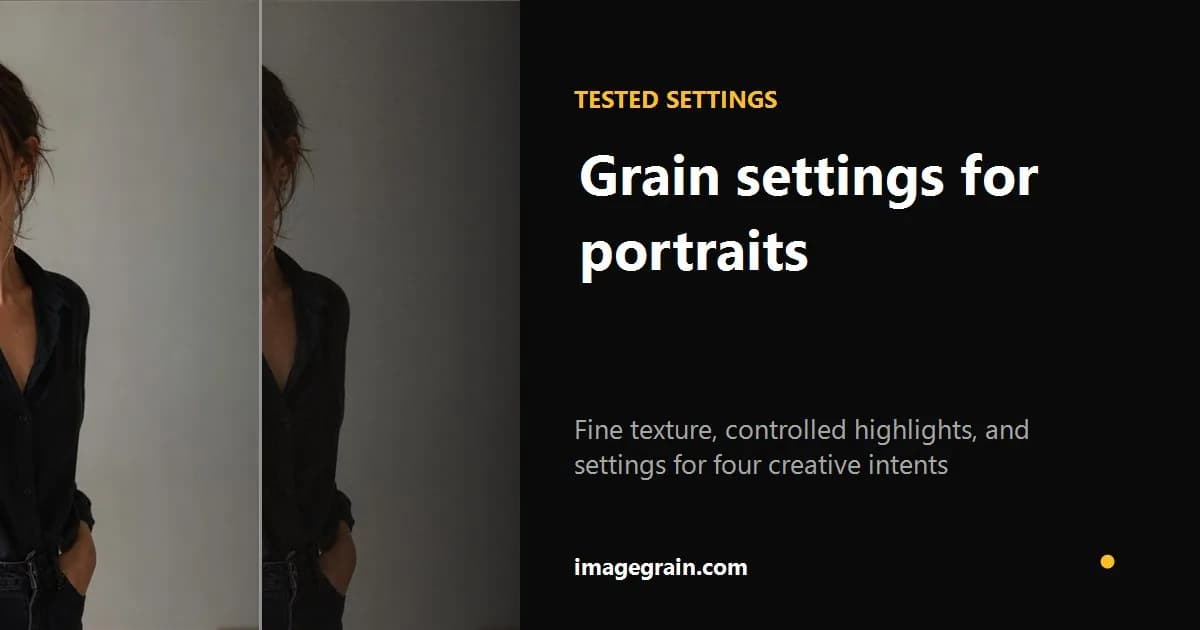
Grain can transform a portrait from clinical to cinematic. But the wrong settings can make skin look noisy and unflattering. Here is how to dial in the right grain for different portrait styles.
Clean headshots and beauty work
For professional headshots and beauty photography, use fine grain at 10-20% intensity. This adds just enough texture to break the digital perfection without distracting from the subject. The grain should be barely noticeable at normal viewing distance - it is there to add a subtle film quality, not to be a visual feature.
To compare a clean original with a reproducible result, inspect the subtle portrait recipe and exact settings.
Editorial and fashion portraits
Editorial work can support more visible texture. Use fine or medium grain around 25-40% as a starting range, then reduce highlights if skin begins to look brittle. The setting suggests a tactile editorial aesthetic; it is not a measurement of a pushed film stock.
Moody and artistic portraits
For dramatic, atmospheric portraits, medium grain at 40-60% works well. This level of grain becomes part of the image's texture and mood. It works especially well with high-contrast black and white conversions, where the grain adds depth to shadow areas.
Lo-fi and experimental portraits
For a raw, deliberately stylized aesthetic, coarse grain at 60-100% creates a dramatic texture. It works best when the portrait is already contrasty and graphic; it should not be treated as a measurement of expired, disposable-camera, or pushed-film behavior.
Tips for portrait grain
Preview at 100% and at the intended display size before exporting because downscaling changes the apparent texture. JPEG or WebP around 85-92% is a useful starting range when smaller files matter; PNG preserves pixels losslessly but can be substantially larger for textured photographs.
Portrait settings by intent
| Portrait style | Grain | Intensity |
|---|---|---|
| Clean headshot | Fine | 10–20% |
| Editorial | Fine or medium | 25–40% |
| Moody black and white | Medium | 40–60% |
| Lo-fi artwork | Coarse | 60–80% |
Preview at the final display size as well as 100%: downscaling changes how visible the grain appears.
Sources and further reading
Method and disclosure
This guide is written and reviewed by imagegrain's developer. Settings are practical starting points, not exact film-stock measurements. Controlled file-size figures use the documented built-in sample and export settings.
Read the full methodologyReady to add grain to your photos?
Free, private, no sign-up required. Runs entirely in your browser.
Open Grain Filter