
How to Choose a Grain Filter: Browser, Mobile, or Desktop
Choose the right grain tool by comparing privacy, controls, export behavior, workflow, and cost across browser, mobile, desktop, and film-emulation software.
Published 2026-03-04 · Updated July 17, 2026 · Written and tested by Maximilian Braun
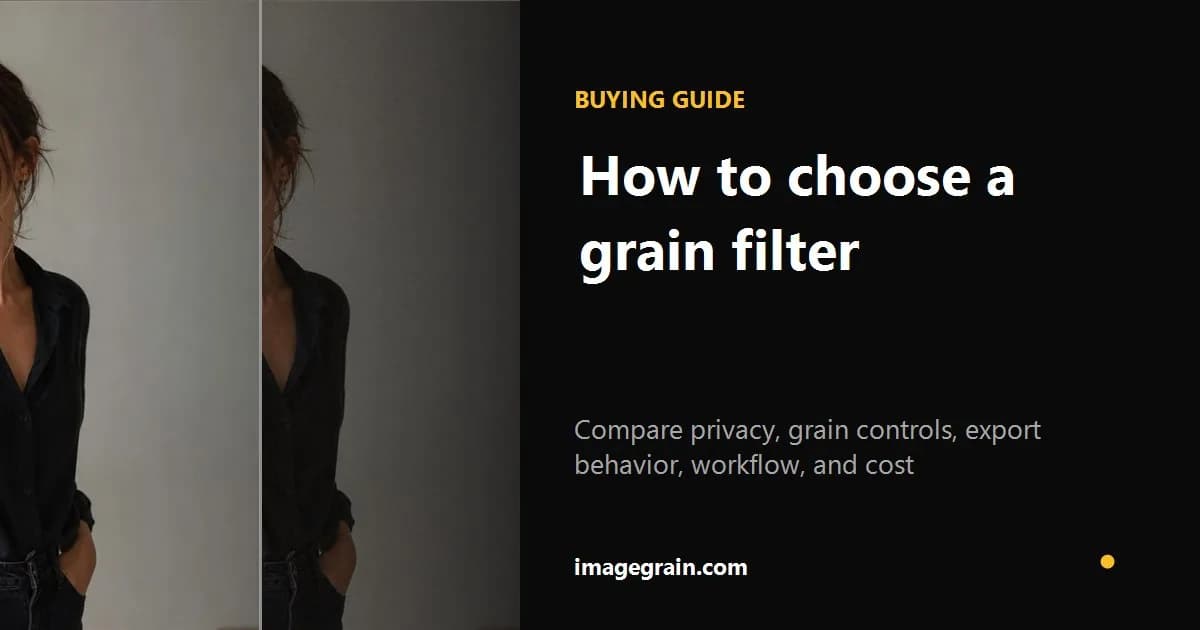
There are dozens of ways to add grain to photos, from free browser tools to professional desktop software. Feature lists and prices change constantly, so rather than compare version numbers, here is how the main categories of grain tools stack up - and what to check before you commit to one.
Desktop photo editors
Full editing suites give you the most control: grain sits alongside layers, masks, and color grading. The trade-offs are cost and friction - they need to be installed, typically require a paid license or subscription, and carry a real learning curve. Many general-purpose editors also generate grain as per-pixel random noise, which looks harsh and inflates export file sizes.
Mobile editing apps
Mobile apps are convenient for quick edits on the go, and many include a grain or texture control. The common downsides: grain is often a single intensity slider with little control over grain size or character, free tiers may watermark or restrict exports, and apps frequently recompress your image on save - stacking a fresh round of compression artifacts on top of the grain you just added.
Web-based tools
Browser tools work instantly with no install and often no account. The important question is where processing happens: some tools upload a photo to a server, while others work locally. imagegrain processes photos on the device, supports multiple selected images with one shared look, and exports without a watermark. Browser memory and canvas limits remain practical constraints for extremely large files.
To evaluate that workflow directly, try the private browser grain filter without creating an account.
Dedicated film emulation software
Photographers seeking named-stock profiles, camera-specific input profiles, local masks, and host-editor integration should evaluate dedicated emulation software. Many options are paid desktop plugins aimed at deeper workflows; verify each vendor's current methodology, supported hosts, licensing, and controls before purchasing.
What to look for in a grain tool
Start with the workflow rather than a feature count. Check whether the tool keeps images local, whether the texture is clustered or independent per-pixel noise, whether highlights and color grain can be controlled, which formats and quality levels it exports, and whether it supports batches or reusable overlays. A private browser editor is a strong fit for quick still-image work; layered desktop software is better when masks, print color management, or a larger nondestructive workflow matters.
Choose by workflow, not by feature count
| Tool type | Best for | Check before choosing |
|---|---|---|
| Browser editor | Fast private still-image edits | Local processing, export formats, quality control |
| Mobile app | On-device social workflow | Watermarks, recompression, account requirements |
| Desktop editor | Layered and masked edits | Price, learning curve, grain controls |
| Film-emulation suite | Stock-specific professional work | Camera profiles, supported host apps, licensing |
Prices and product features change; verify them on the vendor's current product page before purchasing.
Sources and further reading
Method and disclosure
This guide is written and reviewed by imagegrain's developer. Settings are practical starting points, not exact film-stock measurements. Controlled file-size figures use the documented built-in sample and export settings.
Read the full methodologyReady to add grain to your photos?
Free, private, no sign-up required. Runs entirely in your browser.
Open Grain Filter