
Film Grain for Video vs Photography - Key Differences
Film grain behaves differently in video and photography. Learn how grain texture, motion, and compression differ between stills and motion pictures.
Published 2026-03-11 · Updated July 17, 2026 · Written and tested by Maximilian Braun
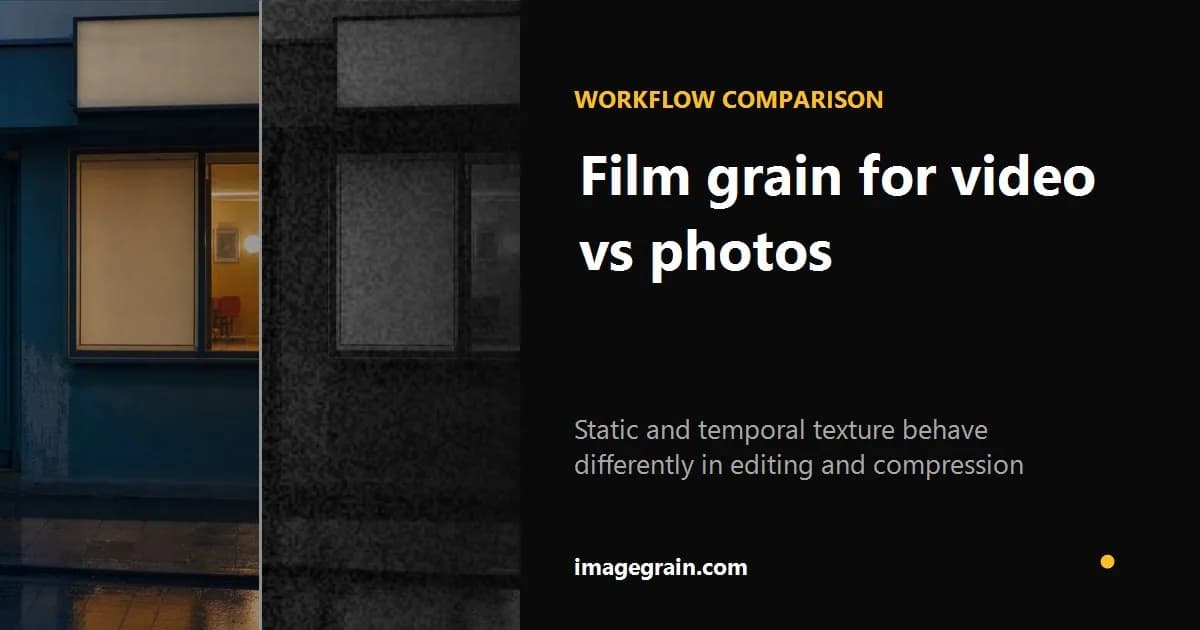
Film grain is a staple of both photography and filmmaking, but applying grain to video is fundamentally different from applying it to a still photo. Understanding these differences helps you get better results in both mediums.
Static vs temporal grain
In a photograph, grain is frozen in place - it is part of the image. In film and video, grain changes every frame. This temporal variation is what gives film footage its characteristic shimmer and life. Static grain overlaid on video looks wrong because it does not move with the footage.
If your editor accepts overlay layers, generate a seamless PNG grain texture for a layered workflow.
Compression challenges multiply
If grain makes photo file sizes large, it makes video file sizes enormous. Video codecs like H.264 and H.265 work by storing differences between frames. When grain changes every frame, every frame is different, which defeats inter-frame compression. This is why grainy footage has significantly higher bitrate requirements.
Resolution and viewing distance
Photos are often viewed at 100% zoom or printed at high resolution, so grain needs to be fine and detailed. Video is typically viewed at a distance on a screen, so grain can be coarser without looking unnatural. What looks like subtle grain in a photo might be invisible in a video played at normal size.
Color vs luminance grain
In photography, grain typically affects luminance (brightness) more than color. In video, color grain (chroma noise) is more noticeable and often more distracting. Professional film grain plugins for video usually offer separate controls for luminance and chroma grain.
When to add grain to photos instead
If you are working with still images - for social media, prints, portfolios, or web content - a browser-based tool like imagegrain gives you instant results without the overhead of video editing software. You can fine-tune the grain, preview it in real time, and export with small file sizes in seconds.
Still-image and video grain compared
| Factor | Still photo | Video |
|---|---|---|
| Time | One fixed texture | Texture can change every frame |
| Compression | One encoded image | Temporal changes affect inter-frame coding |
| Judging | Zoom and print size matter | Playback size and motion matter |
| imagegrain support | Yes | No—still images only |
imagegrain does not process video; this guide helps readers avoid choosing a still-photo tool for a motion workflow.
Sources and further reading
Method and disclosure
This guide is written and reviewed by imagegrain's developer. Settings are practical starting points, not exact film-stock measurements. Controlled file-size figures use the documented built-in sample and export settings.
Read the full methodologyReady to add grain to your photos?
Free, private, no sign-up required. Runs entirely in your browser.
Open Grain Filter